Every enquiry in one list, with a next step.
Add leads by hand, by voice, from a visiting card or from a spreadsheet. LeadOne AI checks for duplicates, sorts them Hot, Warm or Cold and moves each one through your sales stages until it books or drops out.
A recreation of LeadOne AI HQ's Leads screen. Searching for “priya” filters the table, opening Priya Sharma shows her timeline, and changing her stage to Visit Scheduled adds it to the timeline.
Leads
Sai Residency · 11 open leads
| Name | Phone | Stage | Warmth | Budget | Source | Assigned rep | |
|---|---|---|---|---|---|---|---|
| Ananya Iyer | 99200 11845 | New Lead | Hot | ₹85L - ₹90L | MagicBricks | Sagar Patil | |
| Priya Sharma2BHK · NRI | 98201 45678 | Contacted | Hot | ₹60L - ₹65L | Meta ads | Sagar Patil | |
| Rahul Verma | 98765 43210 | Site Visit Done | Warm | ₹70L | 99acres | Neha Sharma | |
| Imran Shaikh | 98190 22671 | Token Booked | Warm | ₹68L | Walk-in | Rohan Desai | |
| Priyanka Desai | 97690 33012 | New Lead | Cold | ₹55L | Housing.com | Neha Sharma | |
| Sneha Kulkarni | 98330 41290 | Contacted | Warm | ₹74L | Meta ads | Rohan Desai | |
| Vikram Joshi | 98920 66104 | Visit Scheduled | Hot | ₹82L | Walk-in | Sagar Patil | |
| Meera Reddy | 99870 54321 | Contacted | Cold | ₹1.1 Cr | 99acres | Neha Sharma | |
| Arjun Patil | 98670 78002 | New Lead | Warm | ₹77L | MagicBricks | Rohan Desai | |
| Kavita Nair | 98450 12093 | Contacted | Cold | ₹58L | Housing.com | Sagar Patil | |
| Deepak Agarwal | 98221 70345 | New Lead | Hot | ₹85L - ₹90L | Meta ads | Neha Sharma |
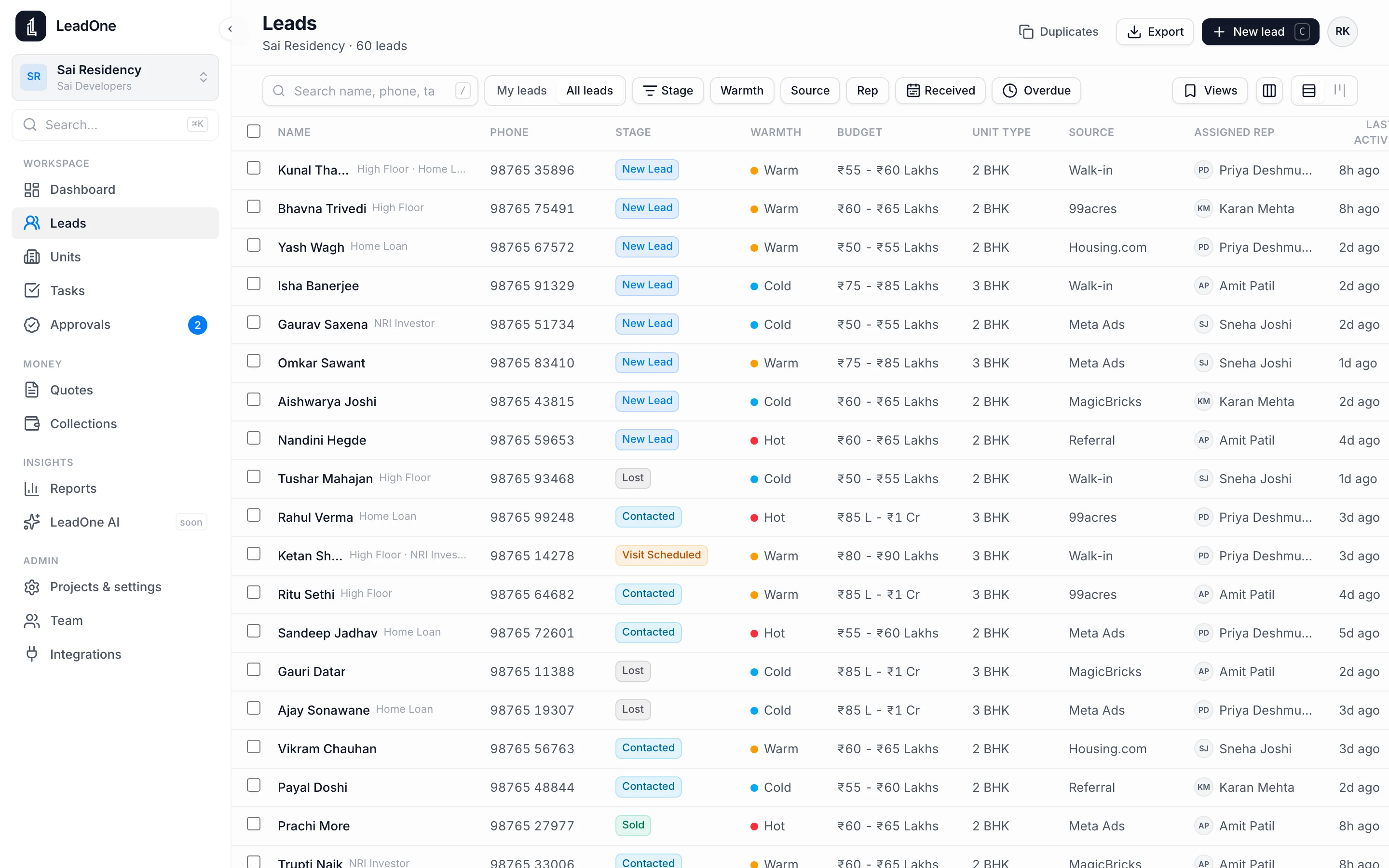
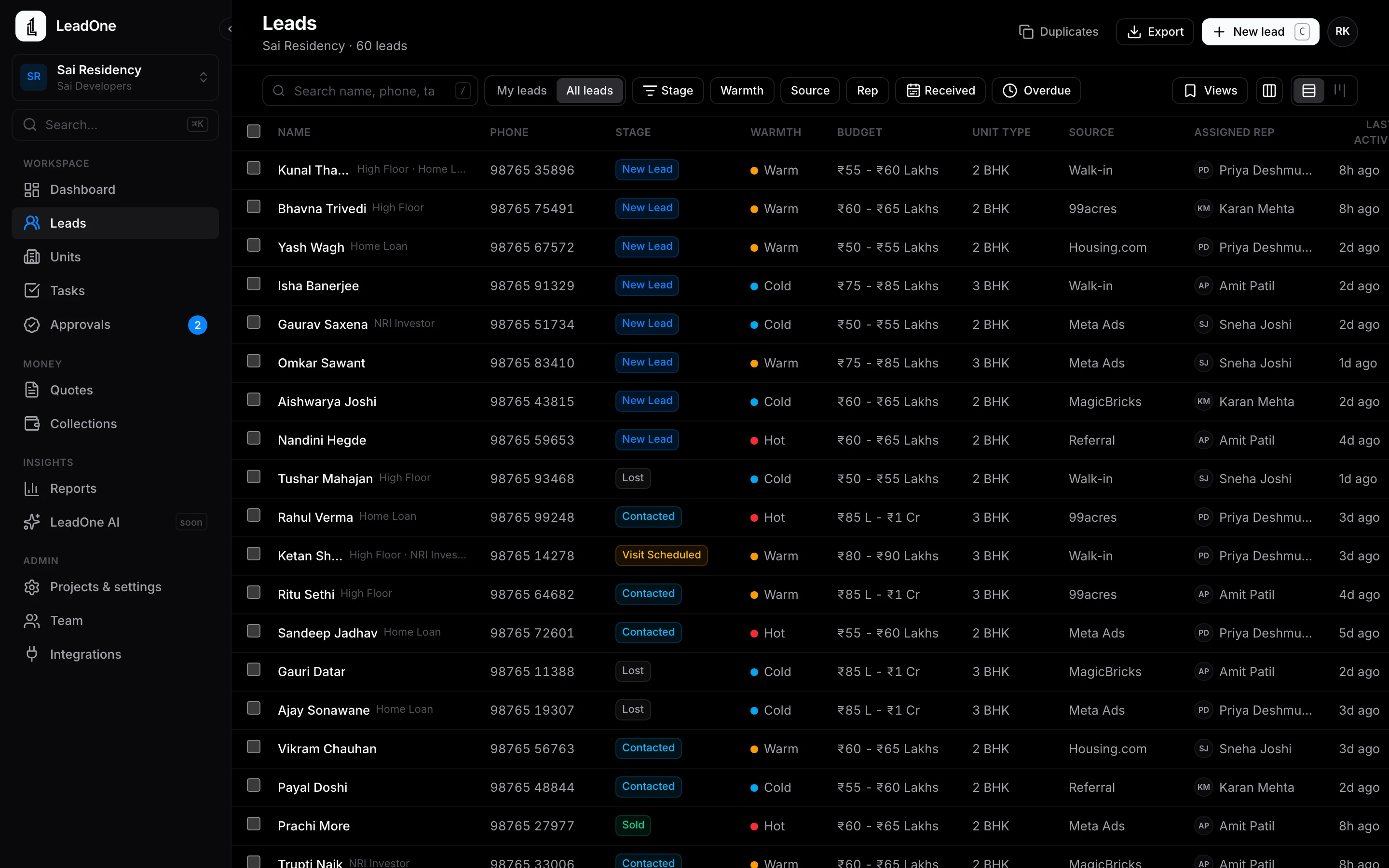
Every lead with its source, stage, rep and next step. Filter, save a view, hand leads over in bulk.
Lead management
- Add a lead by typing, speaking, scanning a visiting card or enquiry screenshot, or importing Excel and CSV files
- Duplicate check on the phone number, plus a duplicates view in LeadOne AI HQ to merge repeats
- Hot, Warm and Cold, and seven stages: New lead, Contacted, Site visit scheduled, Site visit done, Token booked, Sold, Lost
- Source on every lead: Meta ads, portals such as 99acres, MagicBricks and Housing.com, walk-ins, calls and referrals
- Follow-up reminders with quick presets, and a My Day list of who to call today
- One-tap call, WhatsApp or SMS from the lead, with a check before contacting DND numbers
- A timeline of every call, note, visit and stage change, with who did it and when
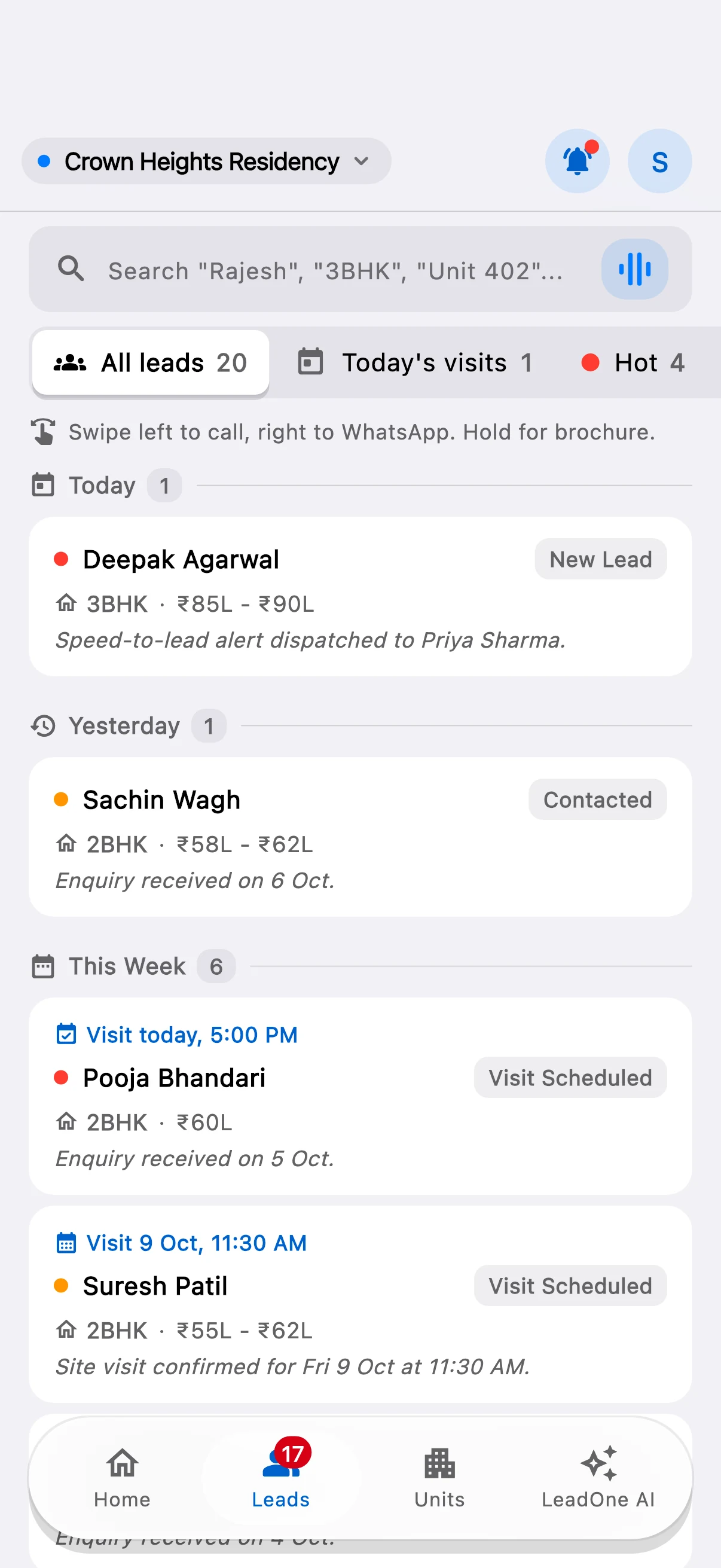
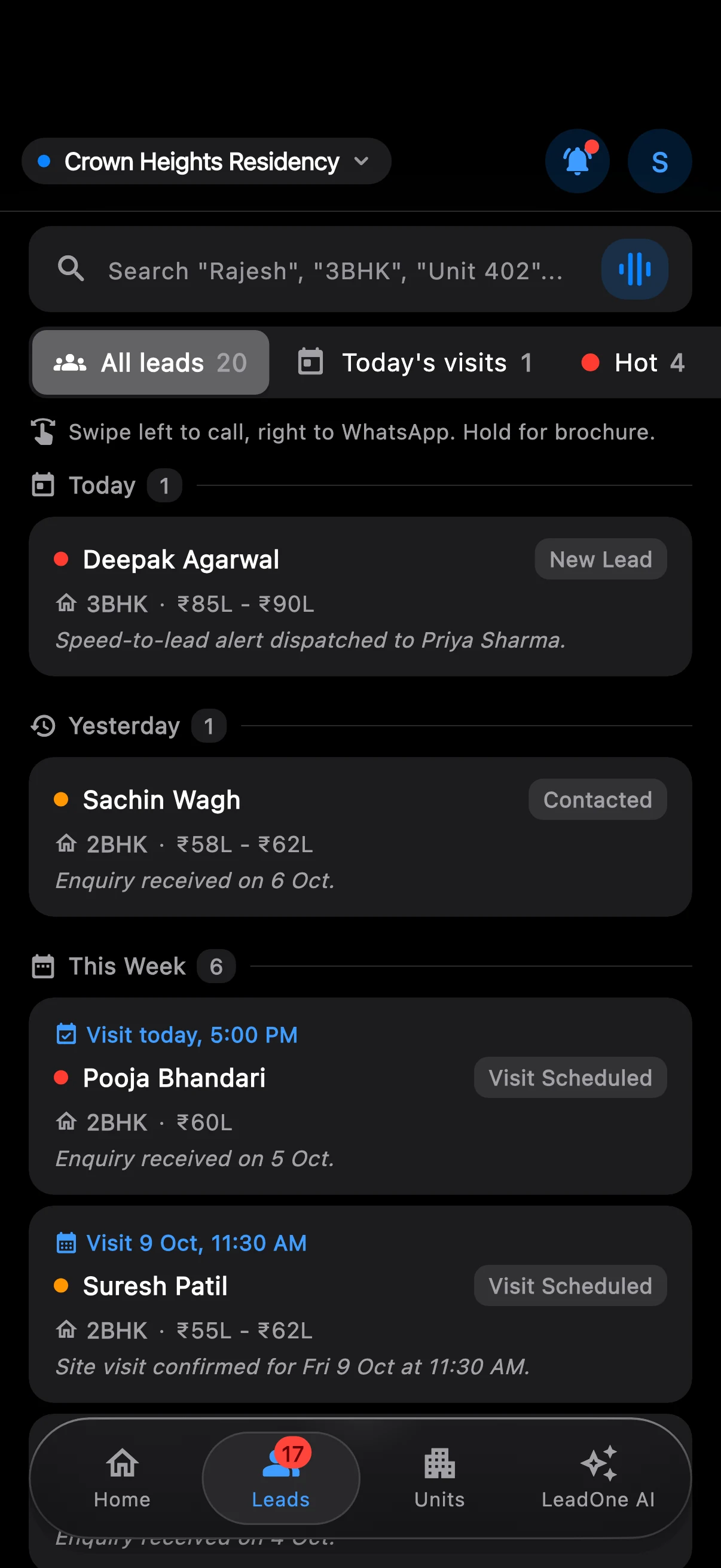
How it works
- Capture
A rep adds the lead on site by voice or card scan, or the office imports a portal export. Meta Lead Ads arrive on their own.
- Qualify
The rep marks it Hot, Warm or Cold, records the budget and unit interest, and sets the next follow-up.
- Follow up
Reminders and My Day keep the next call in front of the rep. Every call and note lands on the timeline.
- Close
Book a site visit, send a quote and move the lead to Token booked when the buyer pays.
Questions
Can we import leads we already have in Excel?
Do portal leads come in automatically?
Can a manager see every rep's leads?
Related features
Voice entry in English, Hindi and Marathi
Say the lead. LeadOne AI fills in the form.
Meta Lead Ads capture
Facebook and Instagram leads land in LeadOne AI on their own.
Site visits and follow-ups
Book the visit, remind the rep, record what happened.
Team, roles and audit log
Everyone sees what their role needs. Every change is recorded.
Put your next launch on LeadOne AI.
hello@leadoneai.com
 Android: coming soon to Google Play