App · HQ Live
Book the visit, remind the rep, record what happened.
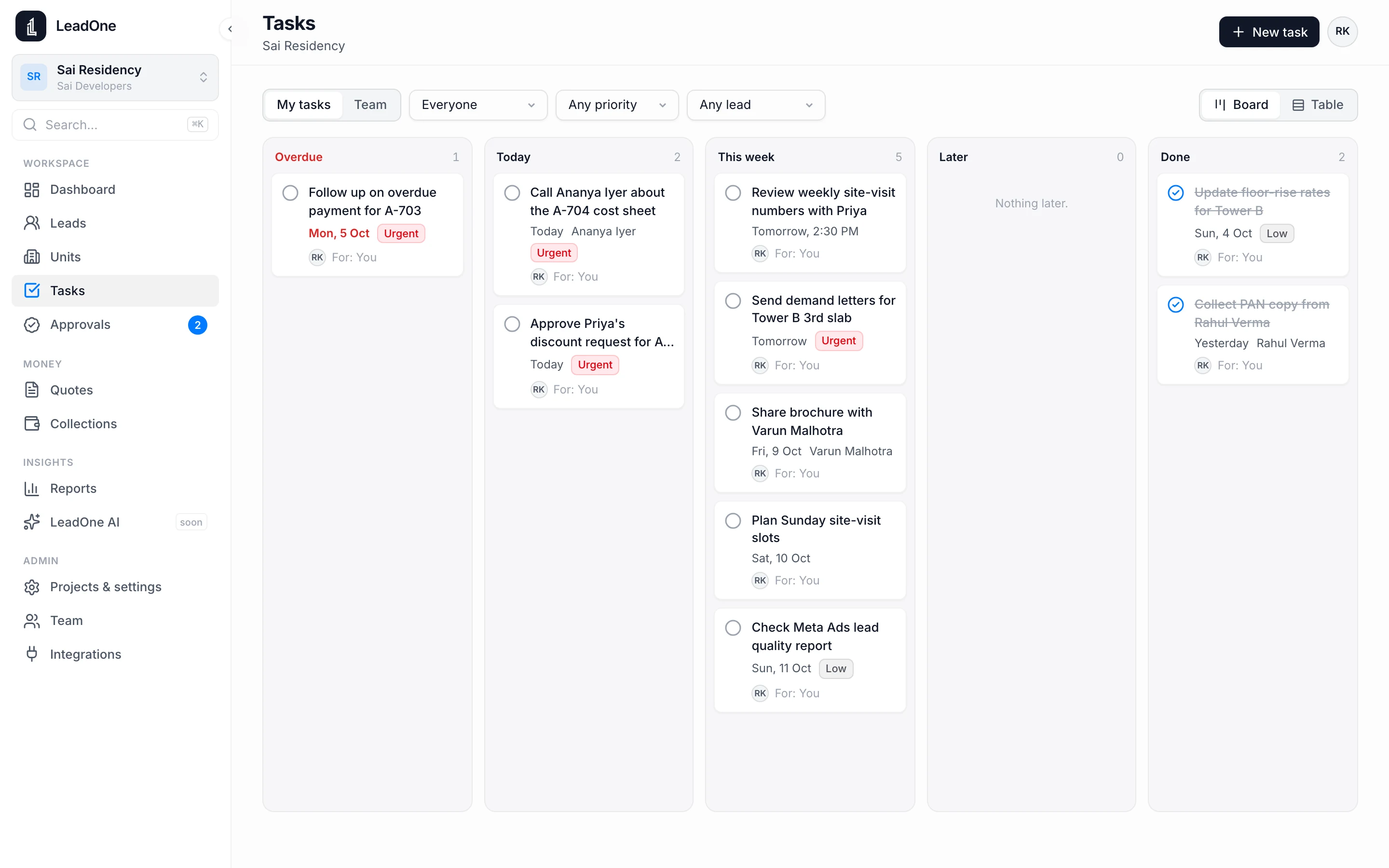
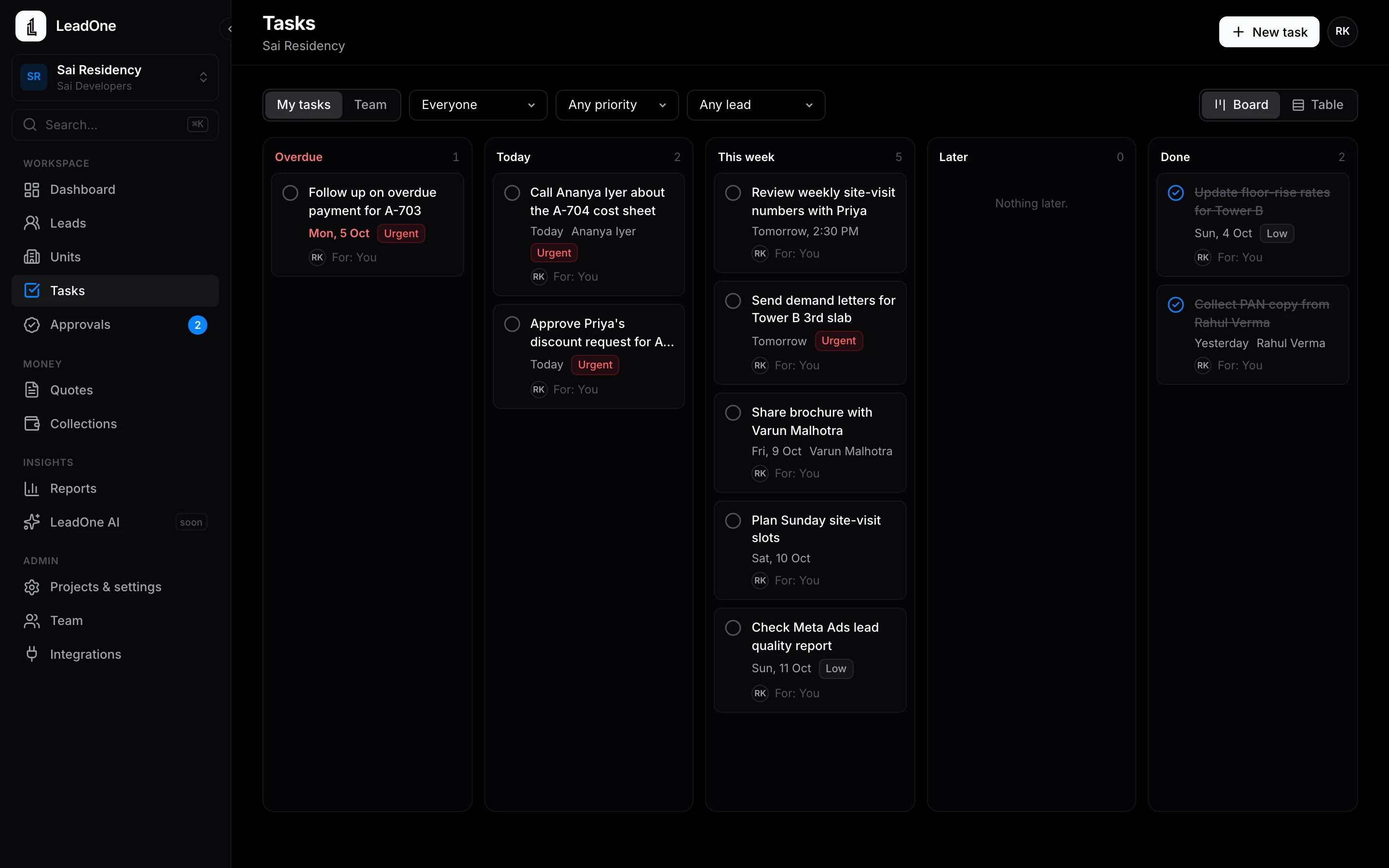
Schedule site visits from the lead, get reminded before they happen and record the outcome afterwards. Follow-ups and tasks sit on one list per rep and one board for the team.
Site visits and follow-ups
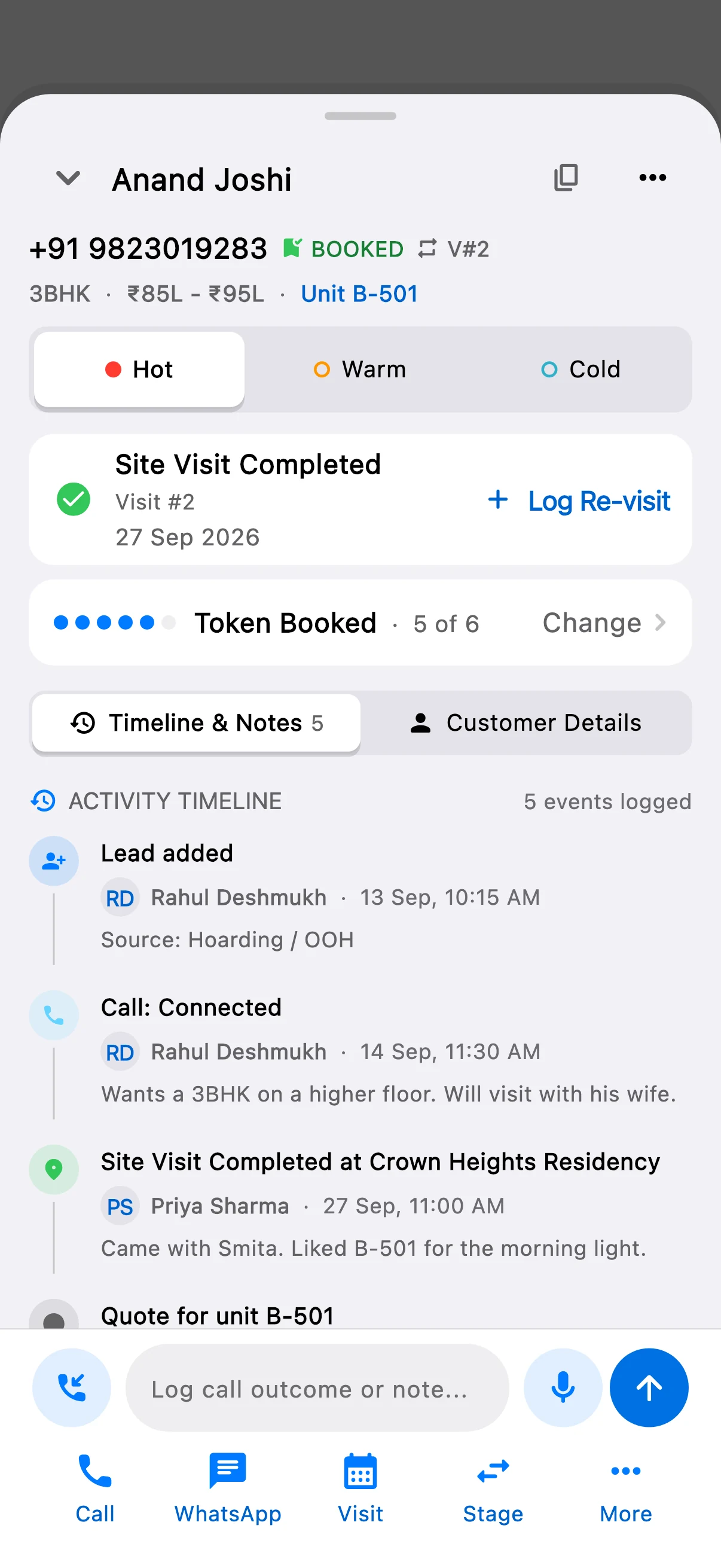
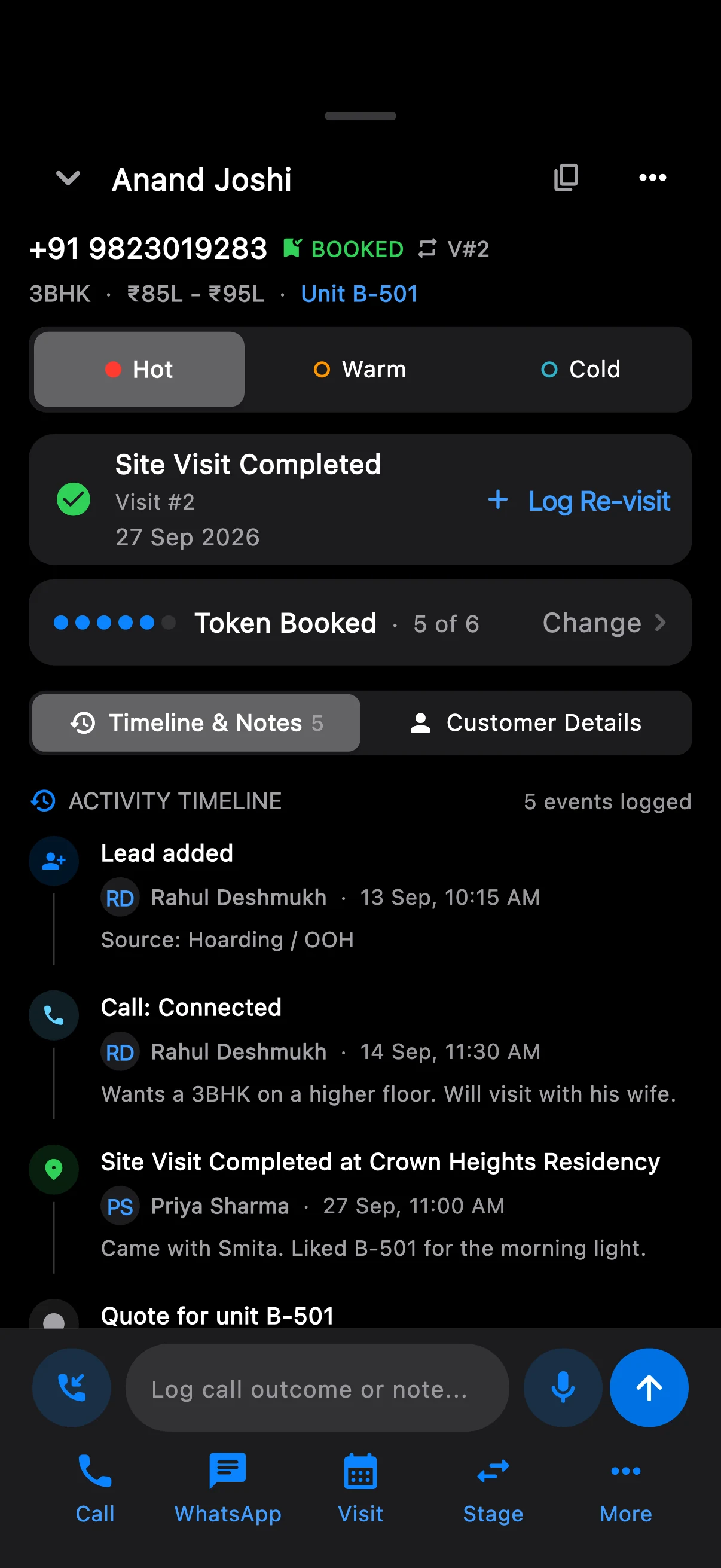
- Schedule a site visit from the lead in a few taps
- Reminders on the rep's phone before follow-ups and visits
- Visit done, outcome and next step recorded on the timeline
- My Day on the phone: today's calls, visits and tasks
- A team task board in LeadOne AI HQ, by person and by day
- Call outcomes tracked, so managers see what each call led to
How it works
- Schedule
Pick the date and time from the lead. The stage moves to Site visit scheduled.
- Remind
The rep gets a reminder on the phone. The visit shows in My Day.
- Record
After the visit, mark it done, add notes and set the next follow-up.
Questions
Do reminders work without internet?
Yes. Reminders are set on the phone itself, so they ring even when the site has no signal.
Put your next launch on LeadOne AI.
Write to us for a demo on your own project's units and price list.Your reps can download the app today.
 Android: coming soon to Google Play
hello@leadoneai.comAndroid: coming soon to Google Play