App · HQ Live
Everyone sees what their role needs. Every change is recorded.
Four roles (owner, admin, manager and sales rep) decide who can see and change what. The audit log records every change with who made it and when, before and after.
Team, roles and audit log
- Roles: owner, admin, manager and sales rep
- A roles page showing what each role can do
- Leads assigned to a rep, and handed over in bulk in LeadOne AI HQ
- Audit log of changes with before and after values
- Invite your team by email or SMS
- Attendance check-in for the sales team
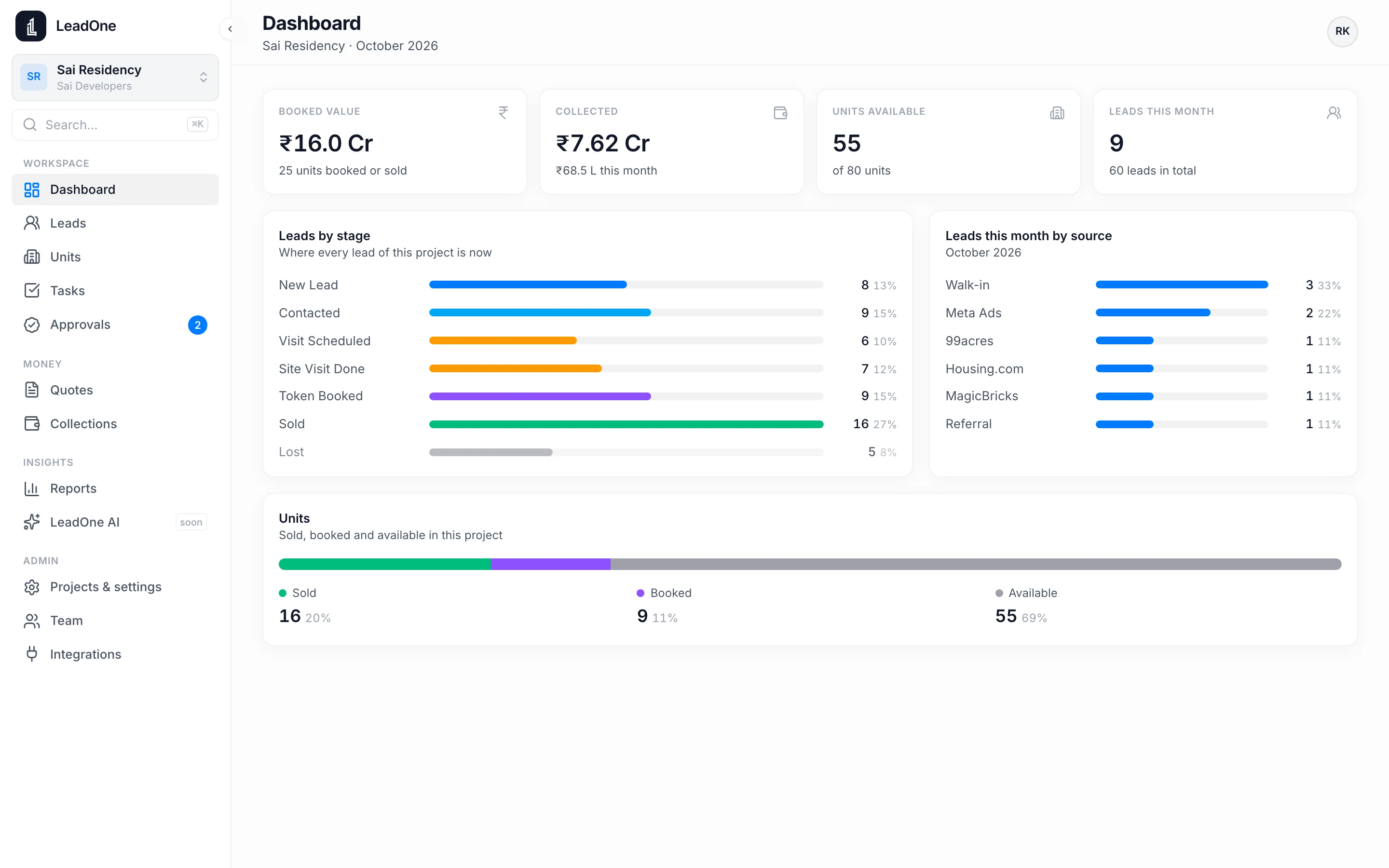
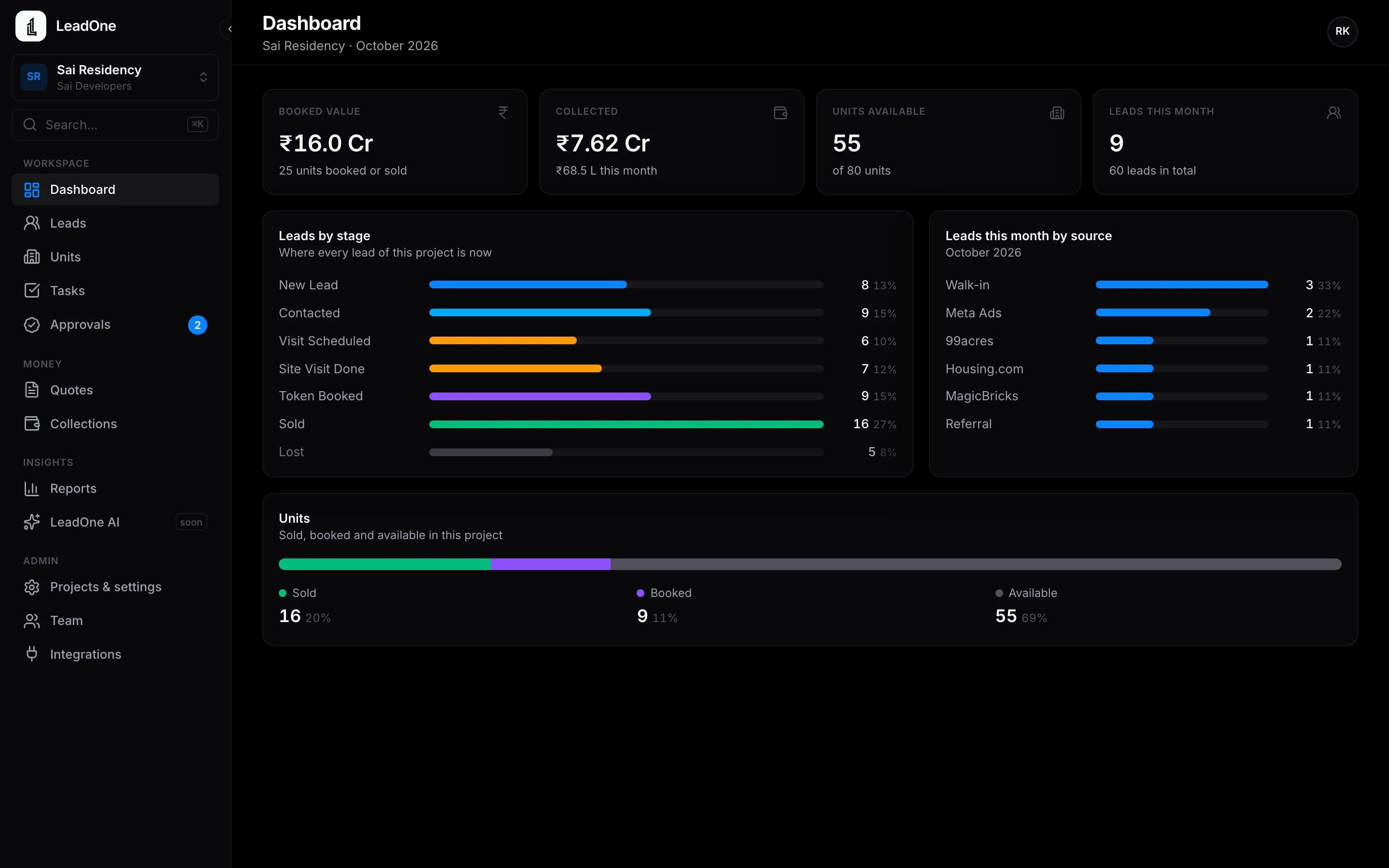
How it works
- Invite
Add your team and give each person a role.
- Assign
Hand leads to reps one by one or in bulk.
- Review
Open the audit log to see who changed what.
Questions
Can a rep delete leads?
What each role can do is listed on the roles page. Changes are recorded in the audit log either way.
Put your next launch on LeadOne AI.
Write to us for a demo on your own project's units and price list.Your reps can download the app today.
 Android: coming soon to Google Play
hello@leadoneai.comAndroid: coming soon to Google Play